PERLON SMART EXHIBITION LOGISTICS

Arrange services. Follow progress.
Start on your phone.

Use the WeChat mini program entry to find an exhibition and arrange logistics. Quotation, ordering and order information depend on the functions available to your account. Perlon confirms the service with you.

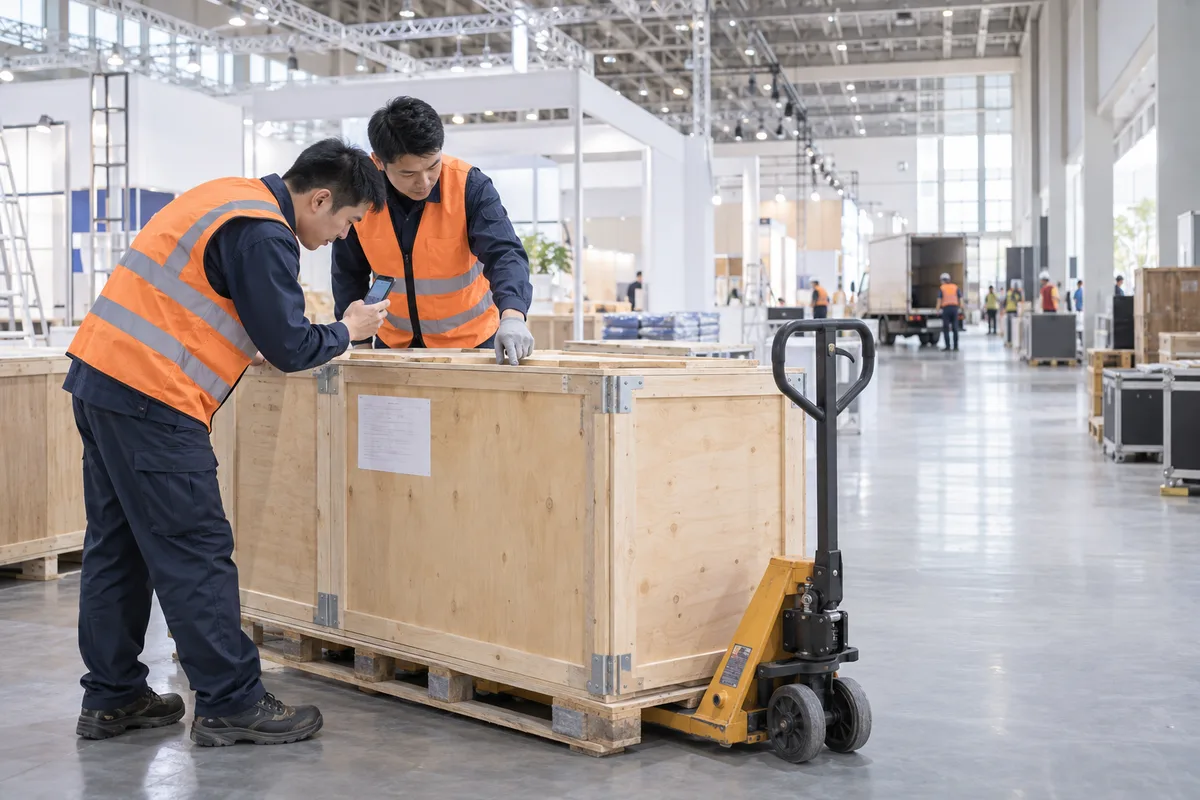
Logistics staff verify a crate at the venue — Perlon service illustration
Perlon service illustration

DESIGNED AROUND THE EXHIBITOR

From arranging services to following progress.

Follow your order using the information available for your selected service and account.

An exhibitor prepares shipment information and uses a phone in the office — Perlon service illustration
Perlon service illustration

Find your exhibition

Look for your exhibition in the mini program and choose from the available services. Contact an advisor if it is not listed.

Request a quotation

Prepare your origin, cargo dimensions, weight and dates, then request a quote through an available entry. Perlon confirms special requirements with you.

An exhibitor checks order information by phone at a receiving bay — Perlon service illustration
Perlon service illustration

Place an order

After agreeing the scope and quotation, use the ordering functions available to your account. An advisor can help with any additional information.

Follow your progress

Open your order to check the status displayed. Stages vary by service; contact your advisor if you need a further update.

An exhibitor discusses service arrangements with a logistics worker during repacking — Perlon service illustration
Perlon service illustration

View service information

Quotation, unloading appointment and order information depend on what your account displays. Ask your advisor to confirm information that is not shown.

Connect the service stages

Plan transport, advance receiving, on-site handling and return delivery around the same exhibition.

My orderIllustration
Current stageAt the venue

One transport leg · Progress illustration

  1. Accepted
  2. Collected
  3. In transit
  4. At the venueCurrent
  5. Unloading
  6. Completed

ORDER STAGES AT A GLANCE

Your order.
A clear view of its progress.

The illustration explains progress for one transport leg. The stages shown for a real order depend on the selected service and the functions available to the account.

  • See the stage: understand where your order is in the service process
  • Check your information: quotations, appointments and order details available to your account
  • Stay in touch: discuss service arrangements with your logistics advisor

Illustrative progress for one transport leg. “Completed” refers to that leg, not all seven services. Information depends on the selected service and what your account displays.

Scan with WeChat to check an existing order ↗

COORDINATED BY PERLON

Simple for the exhibitor.
Coordinated behind the scenes.

Use the mini program entry for available functions while Perlon coordinates your requirements, transport and on-site services. Your advisor follows up information that is not displayed online.

WeChat MiniContactGet a plan ↗